
Built for lasting recall

Master what matters for life.

MemBox is a spaced‑repetition flashcard app built for word‑for‑word memory of scriptures, quotes, prayers, names, and other texts you want to keep for years and decades. Under the hood it uses a fixed, color‑coded review path that drills new cards twice a day at first, then gradually spaces them out until they become “lifetime cards” you see about once a year.

Download on the App Store
  • No account
  • Data stays on device
  • Opinionated 8‑stage schedule
Now available on the App Store.

What MemBox is

A focused memorization app for verbatim recall of a smaller, precious set of cards you want for life.

Built for lifetime retention

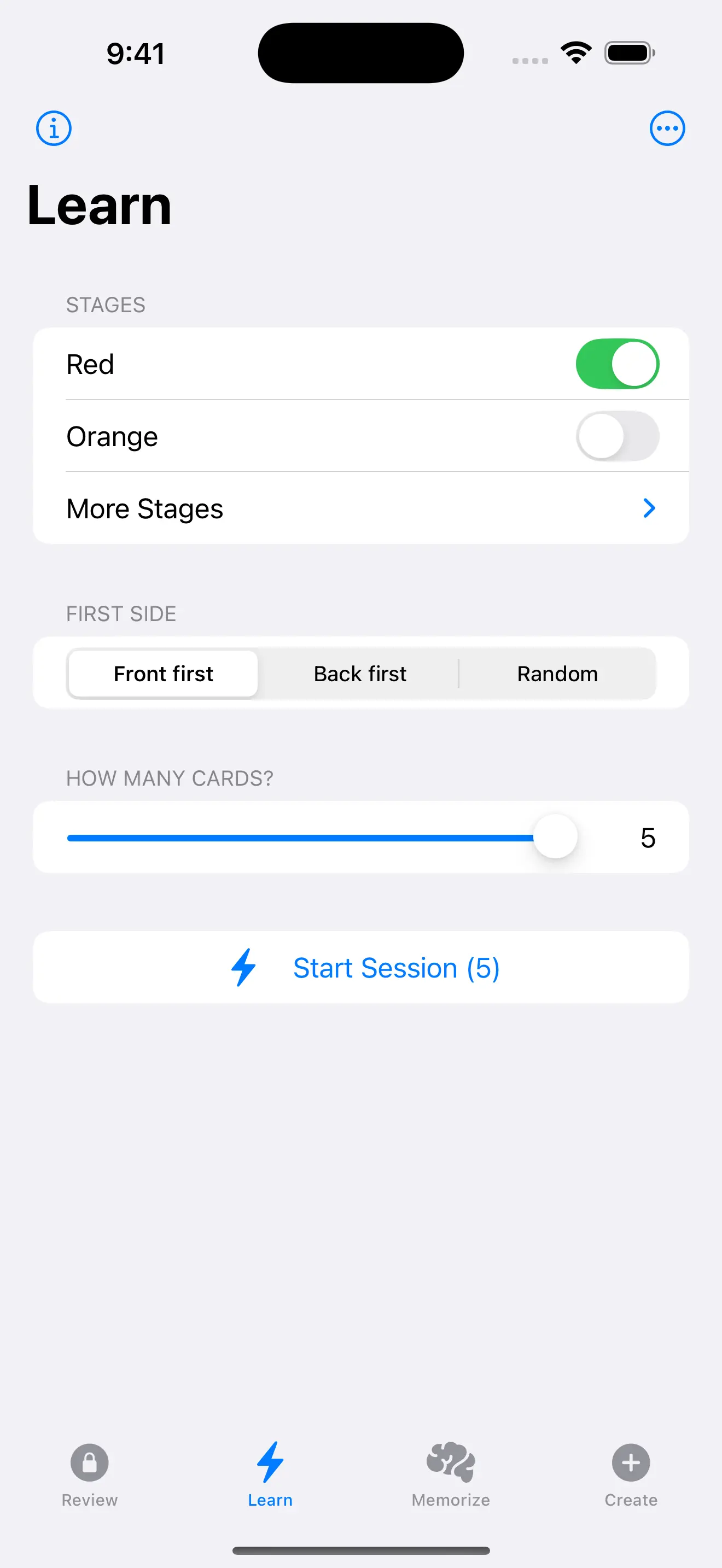
Every card follows one fixed, color‑coded path from Red to Black. Early stages show up daily (sometimes twice a day); later stages stretch to weeks, months, and finally yearly “lifetime cards.” Because the schedule is fixed and visible, you always know where a card is and when it will come back.

Tuned for smaller decks

MemBox isn’t designed to warehouse 50,000 random facts. It’s tuned for hundreds or low thousands of precious cards—scriptures, poems, quotes, key definitions, names—where seeing a card many times early on is a feature, not a bug.

How the MemBox review path works

Cards travel the same color‑coded review path from Red to Black as you actively recall them over time—it’s the effort of remembering, not just rereading, that counts.

The schedule

  • Red — 2× per day for 1 week
  • Orange — 1× per day for 1 week
  • Blue — 2× per week for 1 month
  • Yellow — 1× per week for 1 month
  • Purple — 2× per month for 2 months
  • Green — 1× per month for 6 months
  • Brown — 2× per year for 2 years
  • Black — 1× per year for life

What each stage is for

  • Red — Intensive learning. 2×/day for 7 days (~14 focused reps) so the wording sticks.
  • Orange — Daily consolidation. 1×/day for 7 days as short-term memory stabilizes.
  • Blue & Yellow — Weekly reinforcement. Over two months you see the card 2×/week, then 1×/week, smoothing the shift from “I just learned this” to “I know this well.”
  • Purple & Green — Monthly strengthening. Reviews stretch to twice a month, then once a month, where the memory becomes long-term and resilient.
  • Brown & Black — Lifetime retention. Cards are checked twice a year, then about once a year, so they become “lifetime cards” you still see—just enough to keep them alive indefinitely.

This cadence is intentionally generous early on to reduce failure later. It takes longer to reach the final stages, but the payoff is steadier recall years down the road.

What MemBox isn’t

Not a cram app

MemBox isn’t built for last‑minute exam pushes or ultra‑dense mega‑decks. The schedule is intentionally generous: you’ll see important cards a lot in the early stages so the wording becomes automatic, then far less often as they move into long‑term “lifetime” stages.

Not a clone

MemBox is not a clone of SM‑2, SuperMemo, Anki, or FSRS. There’s no mode chooser, ease factors, or tuning sliders—just one clear schedule. In exchange for that simplicity, MemBox deliberately accepts a few extra reviews so you get deeper, word‑perfect recall over years instead of shaving off every “unnecessary” repetition.

  • OK with extra reviews early if it means stronger memory later.
  • Optimized for smaller, high‑value collections—not 50,000 shallow facts.
  • Designed for verbatim recall, not just vague familiarity.

Why it works for verbatim memory

  • Overlearning on purpose. Early daily/twice‑daily reps build phrasing muscle memory.
  • Mid‑term reinforcement. A steady Purple phase (2×/month for 2 months) shores up the wobble zone before monthly reviews.
  • Lifetime maintenance. Cards never “age out”—Black keeps them alive with yearly check‑ins.

How MemBox compares to other SRS

Leitner / box systems

Simple levels. MemBox is a modern, color‑coded Leitner‑style path with fixed cadences and an optional Difficult bucket for extra practice.

SM‑2 / Anki‑style

Adaptive ease + intervals; great for huge decks. MemBox trades some efficiency for clarity and lifetime predictability.

FSRS / data‑driven

Models stability via history; powerful but complex. MemBox keeps one understandable schedule you can trust without tuning.

If your goal is 50k+ facts with maximum efficiency, a traditional adaptive SRS may fit better. If your goal is carrying a smaller set of texts word‑for‑word for life, MemBox is built for that.

My Story: How MemBox Came to Be

From a plastic card box with a stamped 8‑stage schedule to an iOS app I could finally keep up with.

I grew up thinking I was dumb. A missionary handed me an eight‑stage review pattern that changed everything. I rebuilt my deck, filled a literal Memory Box, and proved to myself that the problem wasn’t intelligence—it was process. Years later I turned that pattern into MemBox so I could carry it in my pocket.

Read the full story →

How MemBox works

  1. Step 1

    Create

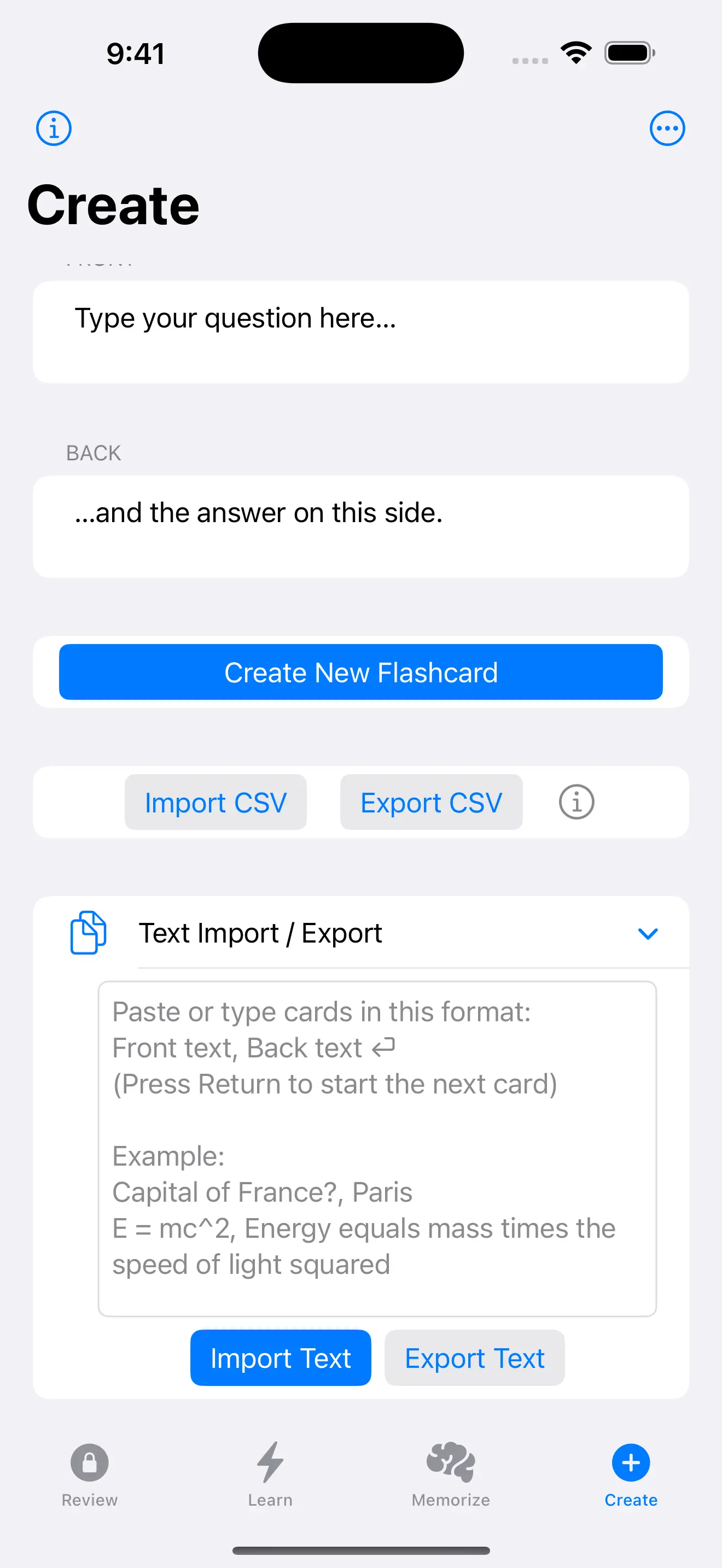
    Type or paste cards. Add fronts, backs, context, and references.

  2. Step 2

    Memorize

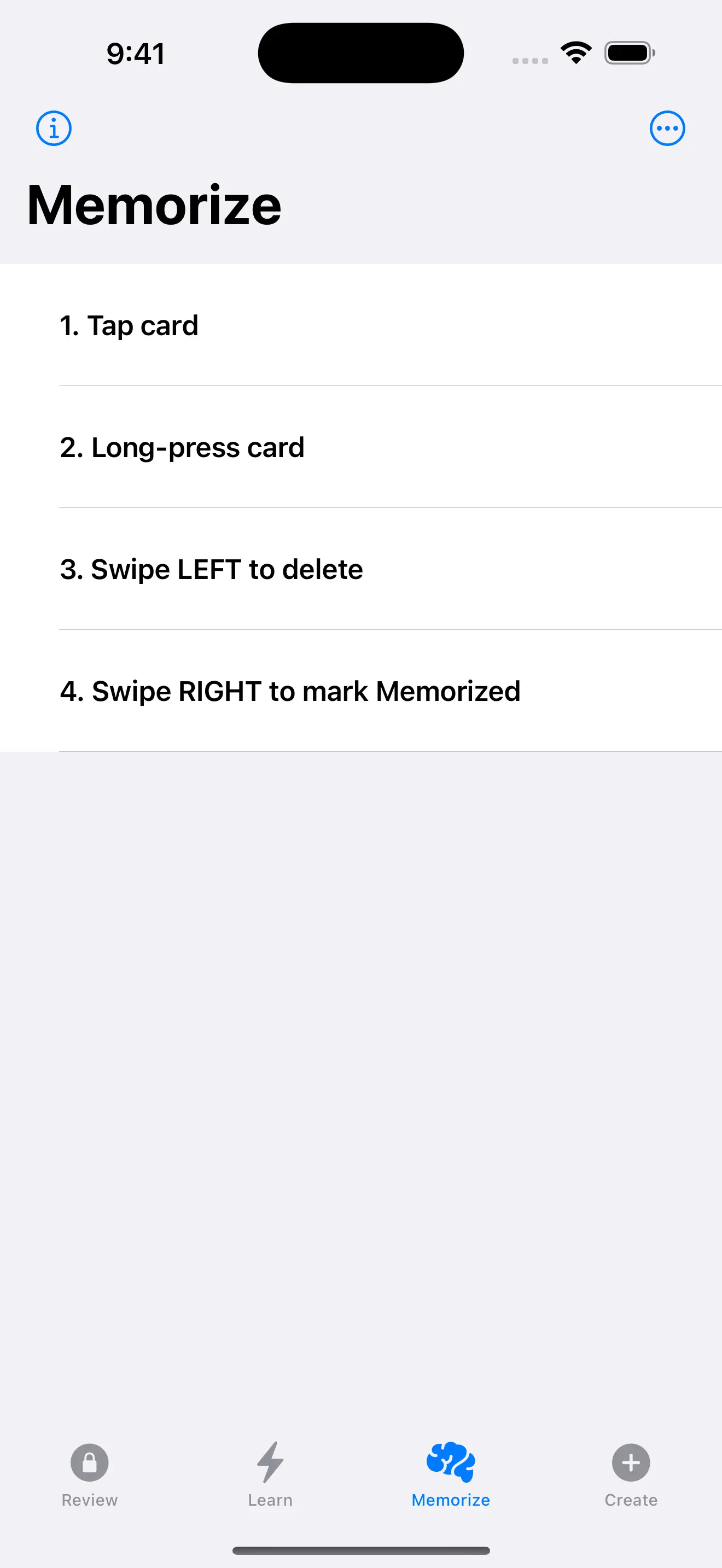
    Take rapid passes to cement new cards into short‑term memory.

  3. Step 3

    Test

    Use Test sessions to quiz yourself either as pure practice or to update the review schedule.

  4. Step 4

    Review

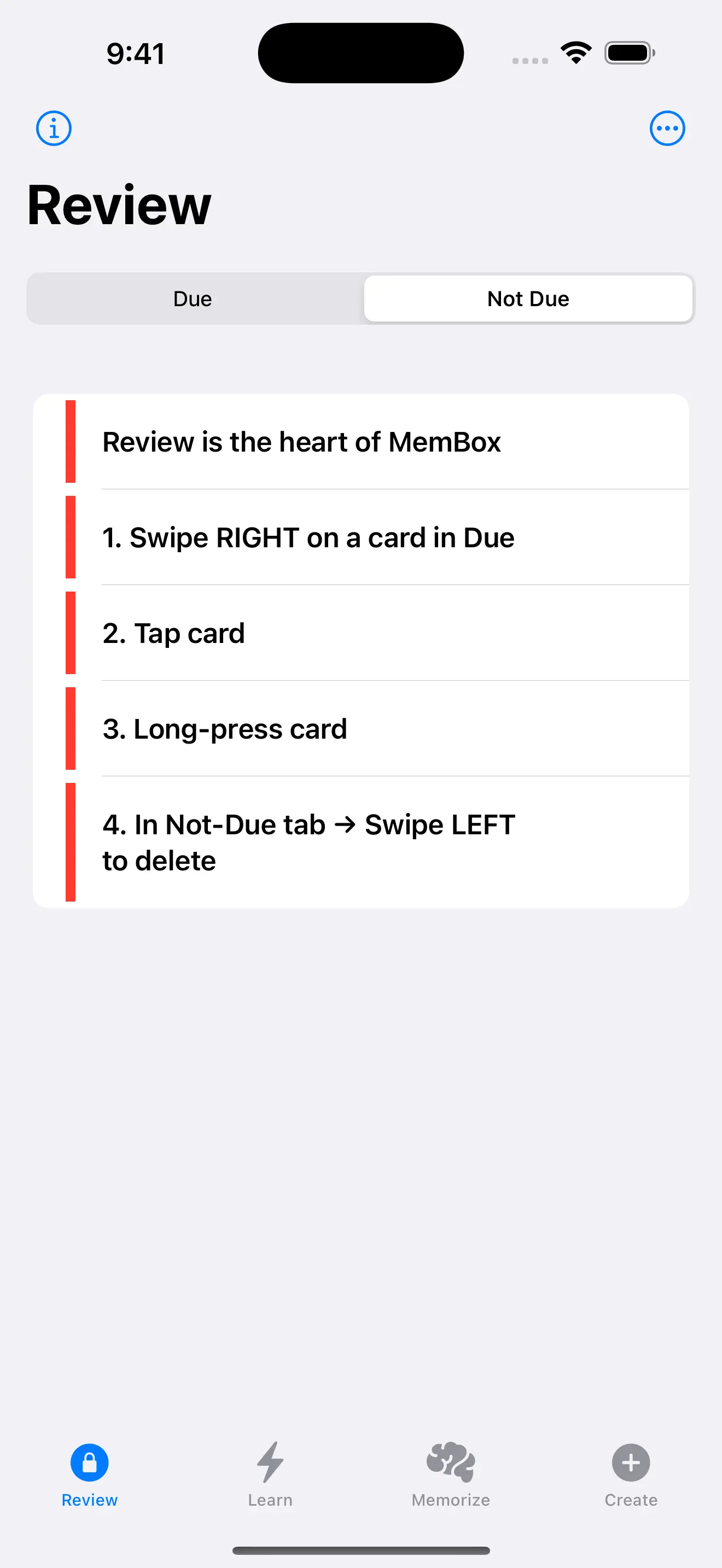
    Custom 8‑stage schedule (Red → Orange → Blue → Yellow → Purple → Green → Brown → Black) moves cards from short‑term to long‑term memory.

Why MemBox isn’t for cramming

MemBox is built for verbatim memory and lifetime retention of a smaller, precious set of cards—not last-minute exams or 50,000 shallow facts.

Lifetime retention, by design

Most systems quietly top out after a few years. MemBox bakes in Brown (2×/year for 2 years) and Black (1×/year for life), so your most important cards never age out of the system.

Overlearning on purpose

Generic SRS engines chase efficiency and push intervals far apart as soon as something feels easy. MemBox keeps early stages intentionally dense (Red + Orange) so wording becomes automatic, not just vaguely familiar.

Simple, fixed schedule

Other apps constantly tweak intervals in ways you can’t see. MemBox uses a fixed, color-coded path you can actually understand, so you always know what each stage means and when cards will come back.

Tuned for precious decks

MemBox assumes you’re guarding hundreds or low thousands of high-value cards—scriptures, prayers, speeches, protocols. It happily “wastes” a few extra reviews in exchange for near word-perfect recall years later.

The color stages also tell a story: getting a verse to Green, Brown, or Black feels like a milestone. That narrative keeps you coming back in a way a raw interval number never could.

Features at a glance

Memorizer helpers

Do rapid passes over new cards with timers, shuffles, and simple controls that keep you moving instead of tinkering.

Chunking & cloze tools

Break long passages into smaller prompts or cloze-style blanks so you can memorize big pieces one bite at a time.

Import & export

Start from scratch or bring in cards from CSV, and export your decks when you want a backup or a printable copy.

Automatic iCloud backups

Optional encrypted backups keep your decks safe in iCloud so you don’t have to think about manual saves.

Stats that stay human

See streaks, stage distribution, and gentle trends—no spreadsheets or overload, just enough to stay motivated.

Simple, opinionated workflow

Create cards, memorize them, test yourself, then follow the color‑coded schedule—no mode chooser or tuning needed.

Who it’s for

Scripture & language

Retain verses, vocabulary, phrases—verbatim.

Speakers & teachers

Deliver quotes and key passages from memory.

Scholars & professionals

Keep terms, numbers, and procedures at your fingertips.

Lifelong memory

Names, dates, places, poems—what matters most.

Birthdays & anniversaries

Never miss the dates that matter.

Addresses & postal codes

Keep critical numbers on instant recall.

Formulas & equations

Keep technical relationships and key numbers on instant recall.

Tire sizes & specs

Details for work and home.

Privacy at a glance

No account

Use MemBox without creating an account.

On‑device data

Your flashcards and study data live on your device.

Optional diagnostics

Apple crash reports are optional and opt‑in.

See the full Privacy Policy for details.

FAQ

What’s different about MemBox?

Most spaced-repetition apps use complex adaptive algorithms to manage very large decks. They constantly tweak intervals behind the scenes and aim for maximum efficiency.

MemBox takes a simpler, more focused approach:

  • One clear, fixed review path (Red → Black) that you can actually understand.
  • Built for smaller, high-value decks you want to keep for life.
  • Stronger emphasis on verbatim recall instead of just recognizing the idea.

If you want to memorize thousands of trivia-style facts, a traditional SRS tool might be a better fit. If you want to carry scripture, quotes, and other important texts word-for-word for decades, MemBox is made for that.

Do I need an account?

No. Your data stays on device.

Is this for cramming?

No. MemBox is for what you want to keep for life.

Will there be Android?

Possibly later—iOS first.

App screenshots

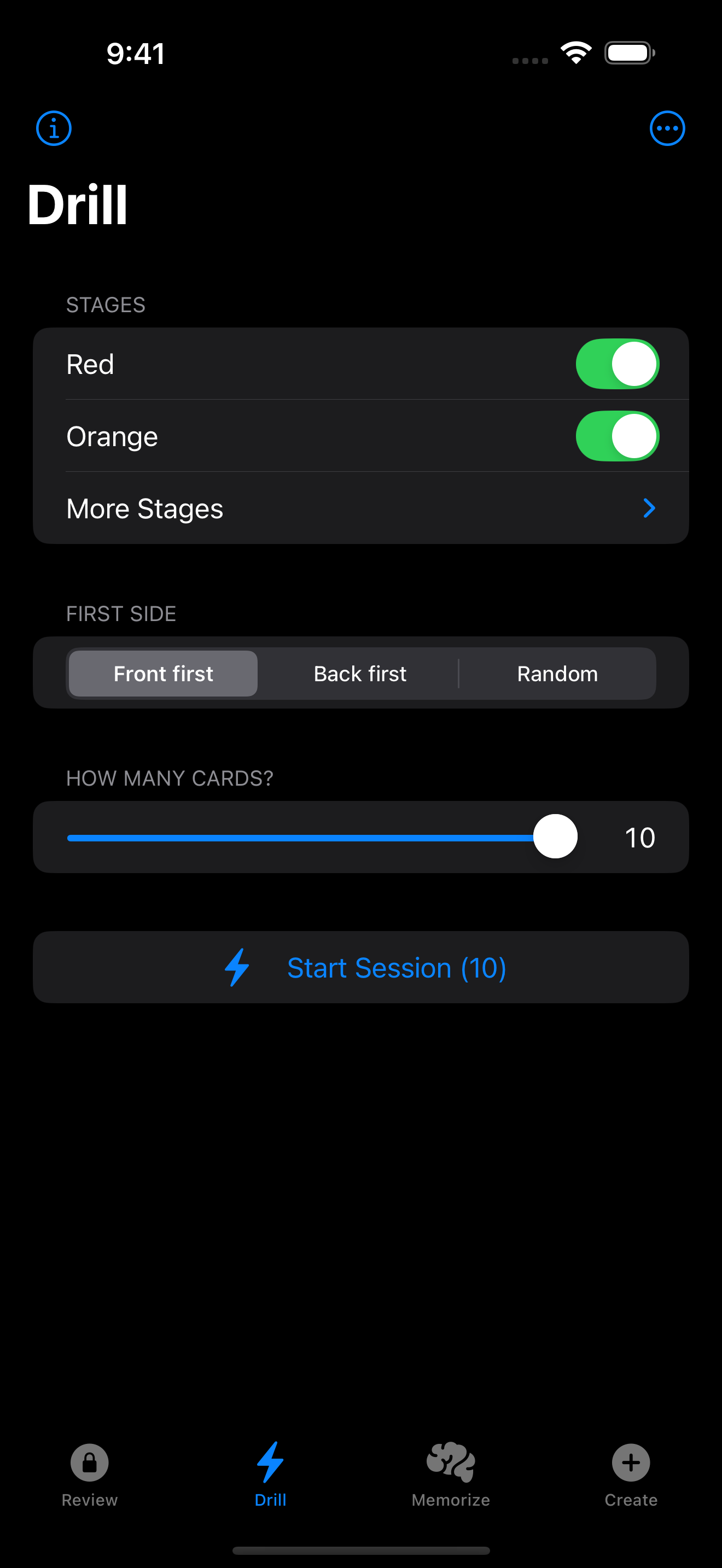
Welcome to MemBox Create screen Memorize screen Test screen Review screen

Your memories deserve permanence.

Now available on the App Store. Questions? Email support.