

Free MemBox resources for memorizing scripture and meaningful text.
Download free import-ready packs for MemBox: Memorize for Life — plus copy-ready prompts for creating your own flashcards and study sets.
- Free scripture packs
- CSV & text import
- Use your preferred AI assistant to create custom packs
Start with these free packs
Two ways to memorize the same 25 Old Testament Scripture Mastery passages — pick the style that fits how you want to practice.
Old Testament — Trigger Version
The front is a short hint or trigger; the back shows the full verse followed by the reference. Best when you want a prompt that guides you into recall.
Format: short hint or trigger → full verse — reference
Old Testament — Reference Version
The front is the scripture reference; the back is the full verse text only. Best when you want to practice recalling a passage from its citation.
Format: reference → full verse
Both files contain the same 25 Old Testament Scripture Mastery passages. The only difference is how the front and back are structured.
How to use a pack
These screenshots show the iPhone flow using a real Old Testament pack download.
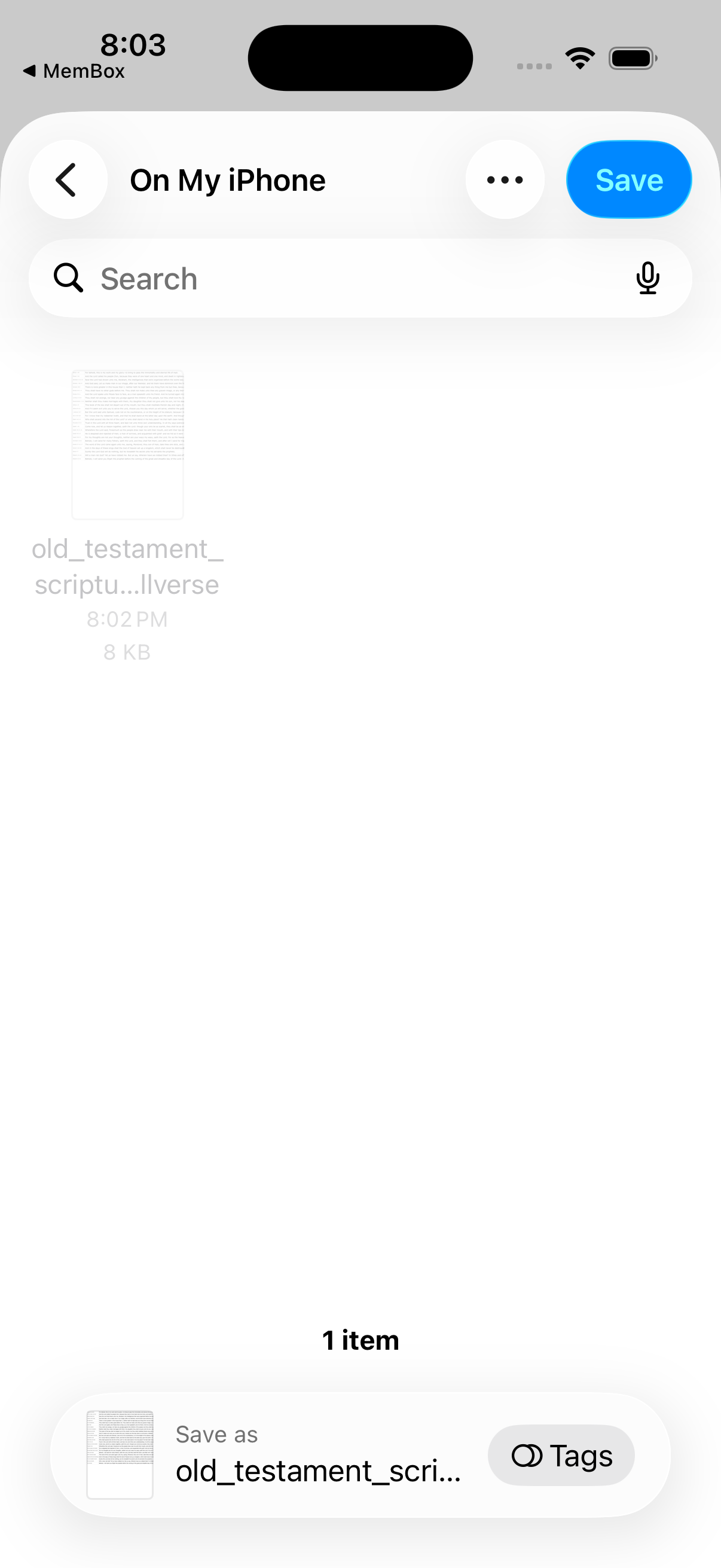
1. Save the pack to Files
After tapping the download link, save the CSV somewhere easy to find, such as On My iPhone.
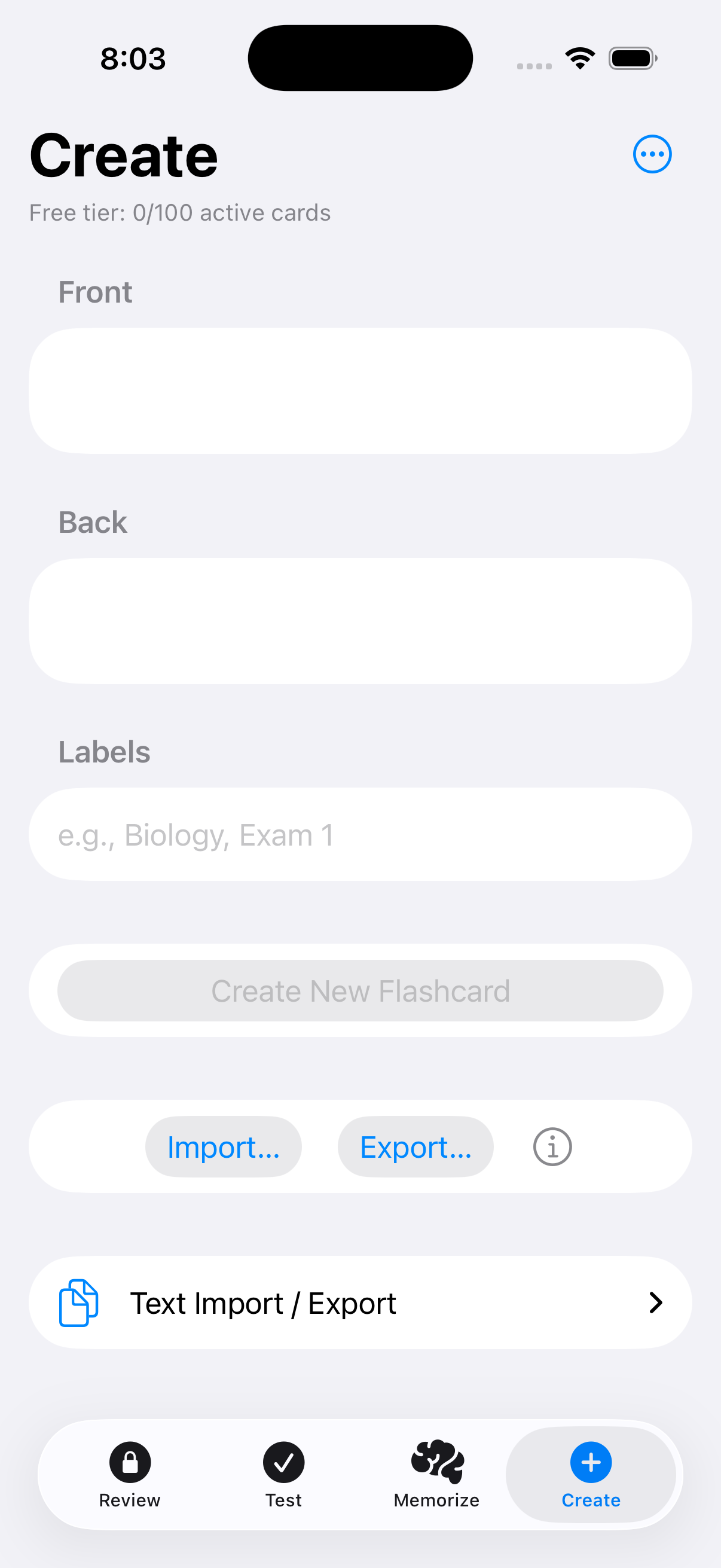
2. Open Create and tap Import
In MemBox, go to the Create tab and use the Import… button to choose your CSV file.
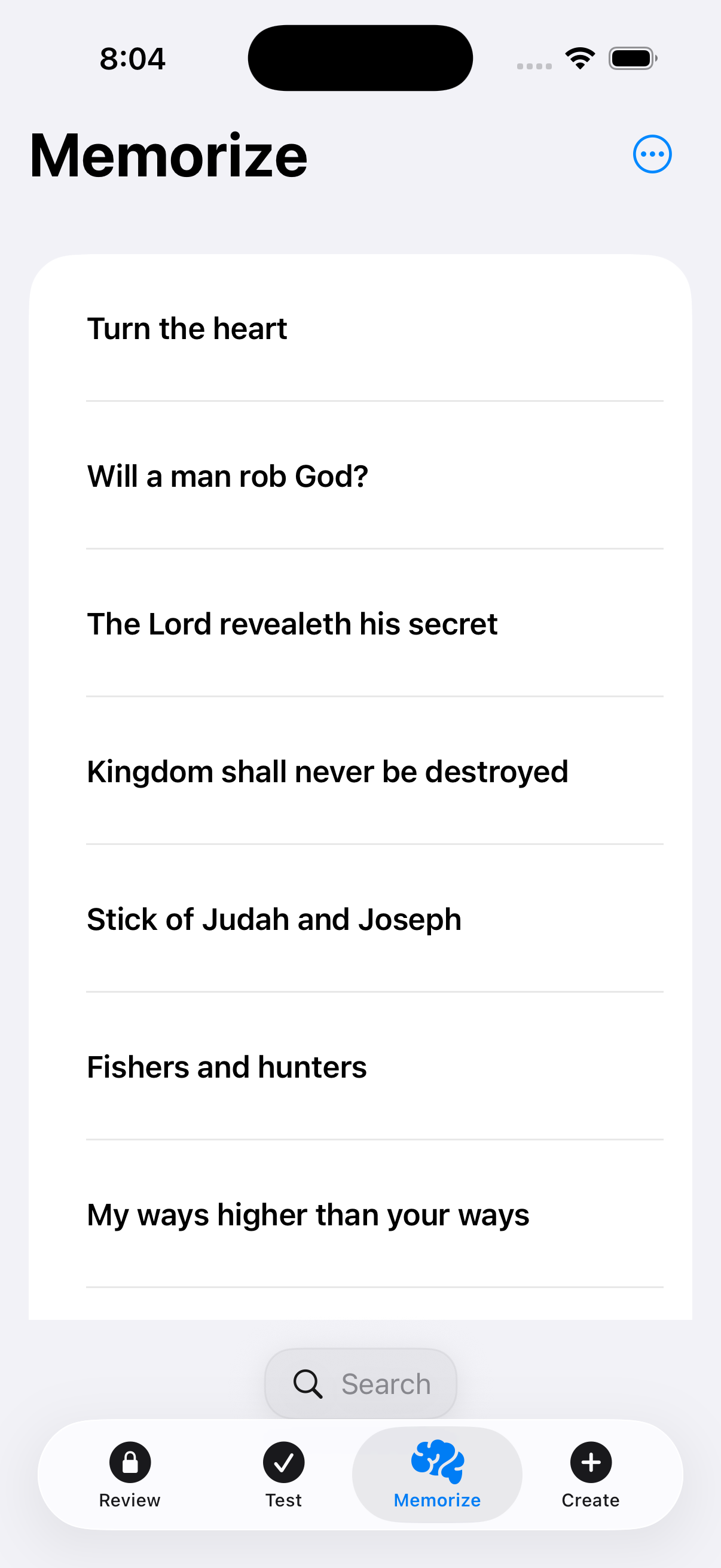
3. Start studying right away
Once the import finishes, your pack is ready to use in Memorize, Test, and Review.
Create your own flashcards with AI
Pick a topic, decide how many cards you want, copy the prompt, paste it into ChatGPT, Claude, Gemini, Copilot, or another AI, then import the result into MemBox.
Text Import / Export
Best when you want something easy to copy and paste directly into MemBox’s Text Import / Export tool.
Important: MemBox text import expects one card per line in this format: Front text, Back text.
Create a MemBox flashcard set for Text Import / Export.

Output rules:
- Output the final result inside one plain text code block
- Make one card per line only
- Format every line exactly like this:
  Front text, Back text
- Do not use blank lines between cards
- Do not write "Front:" or "Back:"
- Do not number the cards
- Do not add commentary before or after the set
- Keep the front clear and useful as a recall prompt
- Avoid commas inside the front or back text
- If you need a pause inside the text, use a dash, semicolon, or parentheses instead of a comma
- If the material is meant for word-for-word memorization, preserve the wording exactly and do not paraphrase

Topic: YOUR TOPIC HERE
Number of cards: YOUR NUMBER HERE
CSV file creation
Best when you want the AI to generate a real import file that can be downloaded and then imported into MemBox.
Important: This must stay a true 2‑column CSV with no header row.
Create a downloadable MemBox-ready CSV file.

Requirements:
- Create and attach a real .csv file for download
- Name the file MemBox_Cards.csv
- Do not only display CSV text in the chat unless file download is unavailable
- Exactly 2 columns only
- No header row
- Column 1 = front
- Column 2 = back
- Wrap both fields in quotes on every row
- Do not output "Front:" or "Back:"
- If a comma appears inside a field, keep it inside the quotes so the file stays 2-column valid
- If quotation marks appear inside a field, escape them by doubling them
- If the material is meant for word-for-word memorization, preserve the wording exactly and do not paraphrase

Example row:
"Front text","Back text"

Topic: YOUR TOPIC HERE
Number of cards: YOUR NUMBER HERE
Tip: The text‑import option is simpler for quick pasting. The CSV option is better when you want a real file you can re‑import or share.